|
The benefits of software based NLP Swish treatment
Problem: Visual NLP techniques such as the Swish technique are reliant upon the imagination of images and concurrently associating feelings with the images. The problem is that many people find imagining images and feelings difficult at best. Also, given the nature of the technique it is very easy for therapists and patients to lose their place in the process. Solution: Our software based approach resolves these problems by providing images on-screen that can reduce the need to imagine and enables easier generation of images after treatment. Sound effects help feelings to be associated into more easily and more rapidly. On-screen instructions guide you through the process to keep treatment on-track. We provide a generic solution with preset images and enable you to provide your own images / sounds if required.
Visual NLP Swish pattern techniqueFor sufferers: The NLP Swish pattern helps you to change your state of mind - it helps you to move from one mood state into another quickly and easily. Change negatives into positives, convert anxiety into calm. For therapists: This multimedia software approach helps you by showing your patient's exactly what they should imagine. Your patients' can then continue the process in their imagination or you can use the software to guide them through the process. Detail: The NLP Map Swish Technique maps the submodalies of something that is wanted into the submodalities of something that is not wanted. Both are then subjected to a further submodality shift with only the positive image returning. (This is commonly known as the Swish pattern). The technique can be used to install new behaviour / change thinking / change mood states. (It was originally developed as a primary intervention for PTSD by hypnotherapists before being reinvented by the NLP Movement!)
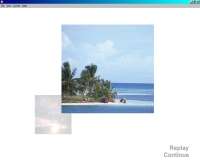
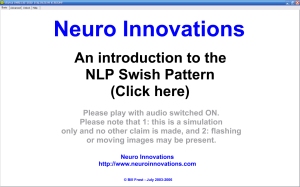
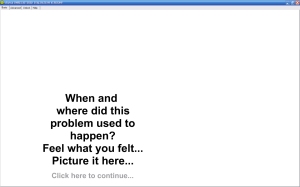
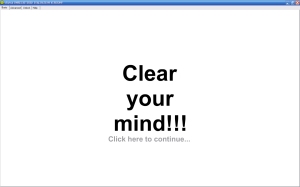
Visual Swish LiteSwish (Lite) contains two versions within the same product. A basic version and slightly more advanced version. Swish Lite Basic: The "lite basic" version is a simple implementation of the Swish technique with static images and sounds. The user is guided through the use of the technique via on-screen instructions. Swish Lite Advanced: A new minor version of Swish Lite was released on 1/May/06 to enable external images to be specified if required rather than using the defaults. This satisfies the needs of more advanced users that want simplicity and flexibility. The PC version module includes German / English language support. Swish Lite for PCs now includes 16 sample problem images (blood, bridge, dentists, dog, driving, flying, frog, heights / stairway, mouse, payphone, rat, snake, social dinner party, tarantula, vomiting actual, vomiting nausea), 8 sample solution images (beach, bear, clouds, duck, flowers, kitten, mountains, sunset), and 7 sample settings files (Blood Clouds.vswi, Bridge Beach.vswi, Driving Beach.vswi, Mouse Kitten.vswi, Rodent TeddyBear.vswi, Sider Duck.vswi, Snake TeddyBear.vswi)
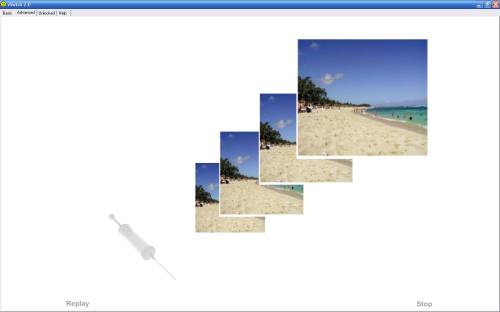
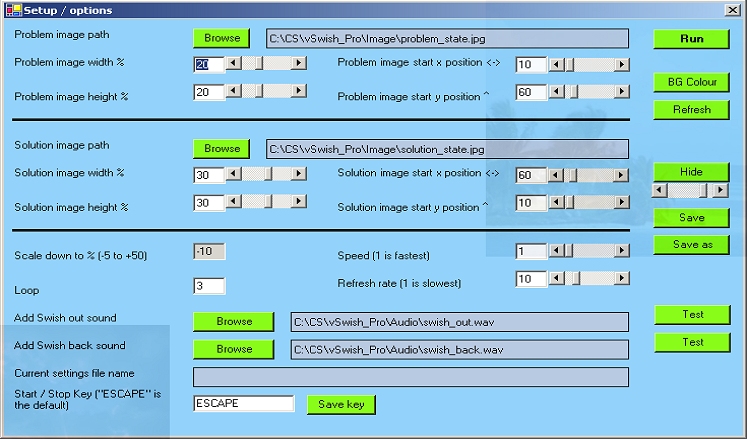
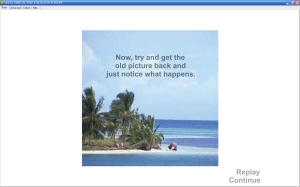
Advanced version: User selected images: In the example below the images selected were of a hypodermic needle and a beach (movement has been emulated):
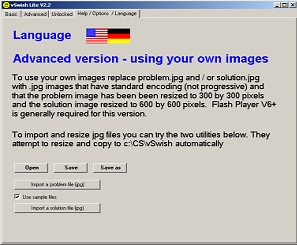
The following screenshot relates to the PC version only.
Multi-language support (PC / Lite version only)
*(1) User defined Multi-language support (PC / Lite version only)Users wishing to generate a version of this product in their own language can do so so long as they agree to share the translation with other users via an inbuilt upload facility. An inbuilt editor similar to Excel allows the text to be edited and previewed quickly and easily. An agreement needs to be accepted prior to being given access to these facilities. Language categories defined to date are Arabic, Bengali, Bulgarian, Catalan, Chinese Simplified, Chinese Traditional, Croatian, Czech, Danish, Dutch, English UK, English US, English, Filipino, Finnish, French, (German-translated), Greek, Gujarat, Hebrew, Hindi, Hungarian, Indonesian, Italian, Japanese, Kannada, Korean, Latvian, Lithuanian, Malay, Malayalam, Marathi, Norwegian, Oriya, Persian, Polish, Portuguese Brazil, Portuguese Portugal, Romanian, Russian, Serbian, Slovak, Slovenian, Spanish, Swedish, Tamil, Telugu, Thai, Turkish, Ukrainian and Vietnamese. Other categories can be added on request. If you translate into one of the most common languages and we accept the translation as being of high enough quality you will get your purchase fee for this product refunded. This applies to Spanish, Chinese and French translations at the current time.
Visual Swish Pro (PC Only)
Click here to purchase and download
What do they do?The modalities of the positive are amplified, the modalities of the negative are minimised as left to right matching auditory stimulation is provided. In real terms this means:
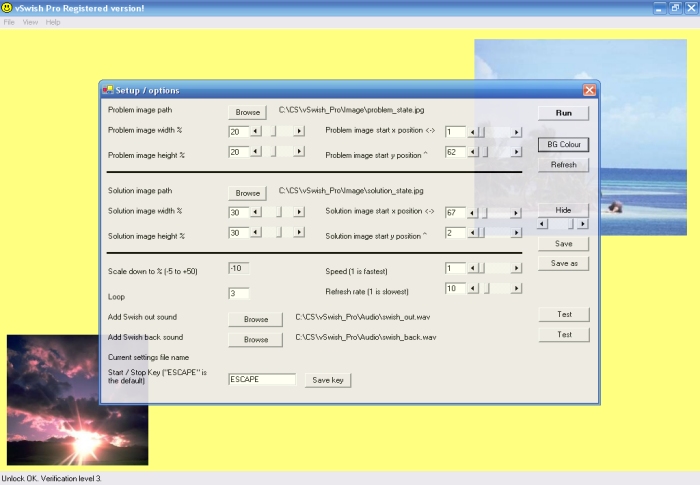
Swish Pro (PC only) is the same as the above except that user dialogue is not present. This allows the therapist to guide the user through the process in whatever way the choose. Click here to download / view a demo (3.6 MB) of the Lite version on a PC (wmv file) (Screen shots were taken at the rate of 4 frames per second. The cursor was hidden during the recording.)
Installation RequirementsThe system operates with the following versions of Windows
The software does support use on Netbooks.
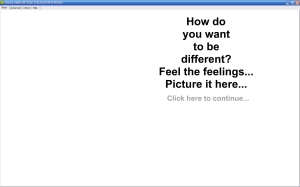
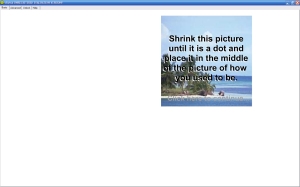
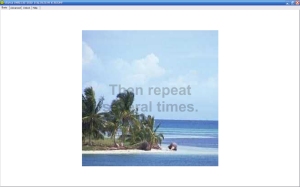
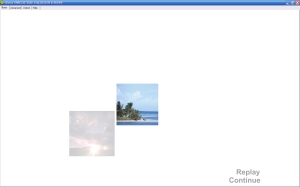
What do Swish Lite and Swish Pro look like?
| |||||||||||||
 English /
  German / *(1) User defined language support (PC Only)